Tell us what’s coming.
Describe the material you need. Include the exact headline, offer, date, or other words you want in the image.
THE BRIEF
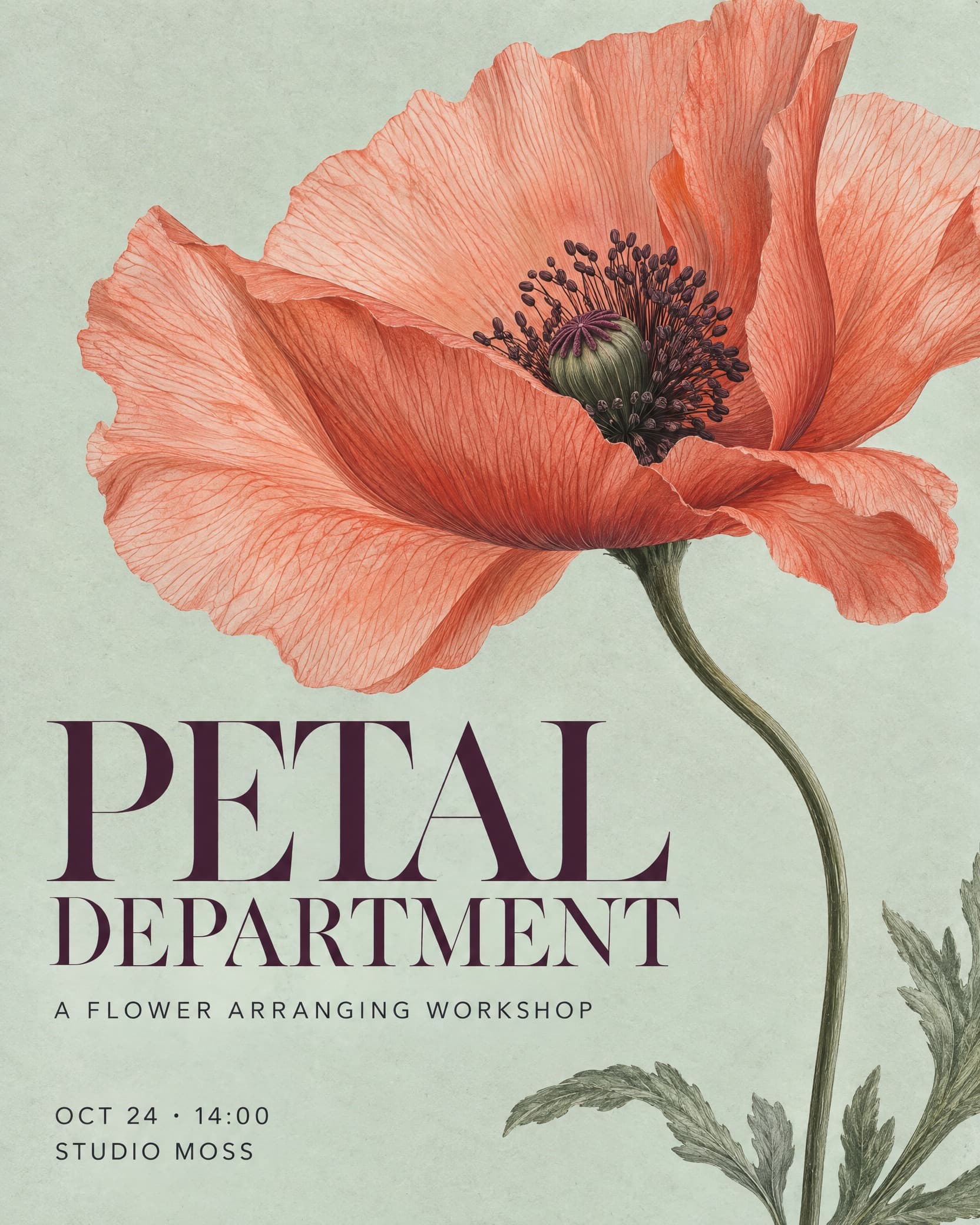
A flower arranging workshop. Sculptural petals, soft paper, and an expressive editorial headline.
A SMALL STUDIO FOR YOUR NEXT BIG THING
Compare layouts from your content and images. Or upload a design, review its structure, and explore new treatments while keeping the layout.
Product launches. Social posts. The next sold-out workshop.
FROM A THOUGHT TO SOMETHING TANGIBLE
Bring the offer, the occasion, or the idea. Give it a visual direction and see where it goes.
Describe the material you need. Include the exact headline, offer, date, or other words you want in the image.
A flower arranging workshop. Sculptural petals, soft paper, and an expressive editorial headline.
Choose a style and format, or start from a gallery prompt. Change the sample wording to make it your own.
Compare three layouts with the same approved copy and materials. Choose one, refine it, generate, and review the selected PNG.
REAL OUTPUTS. FRESH STARTING POINTS.
Botanical, printed, sculptural. Explore the images and the prompts that made them, then take a look somewhere new.
Browse all startersFlower workshop
One oversized translucent poppy and airy, finely drawn serif lettering form a quiet editorial poster.
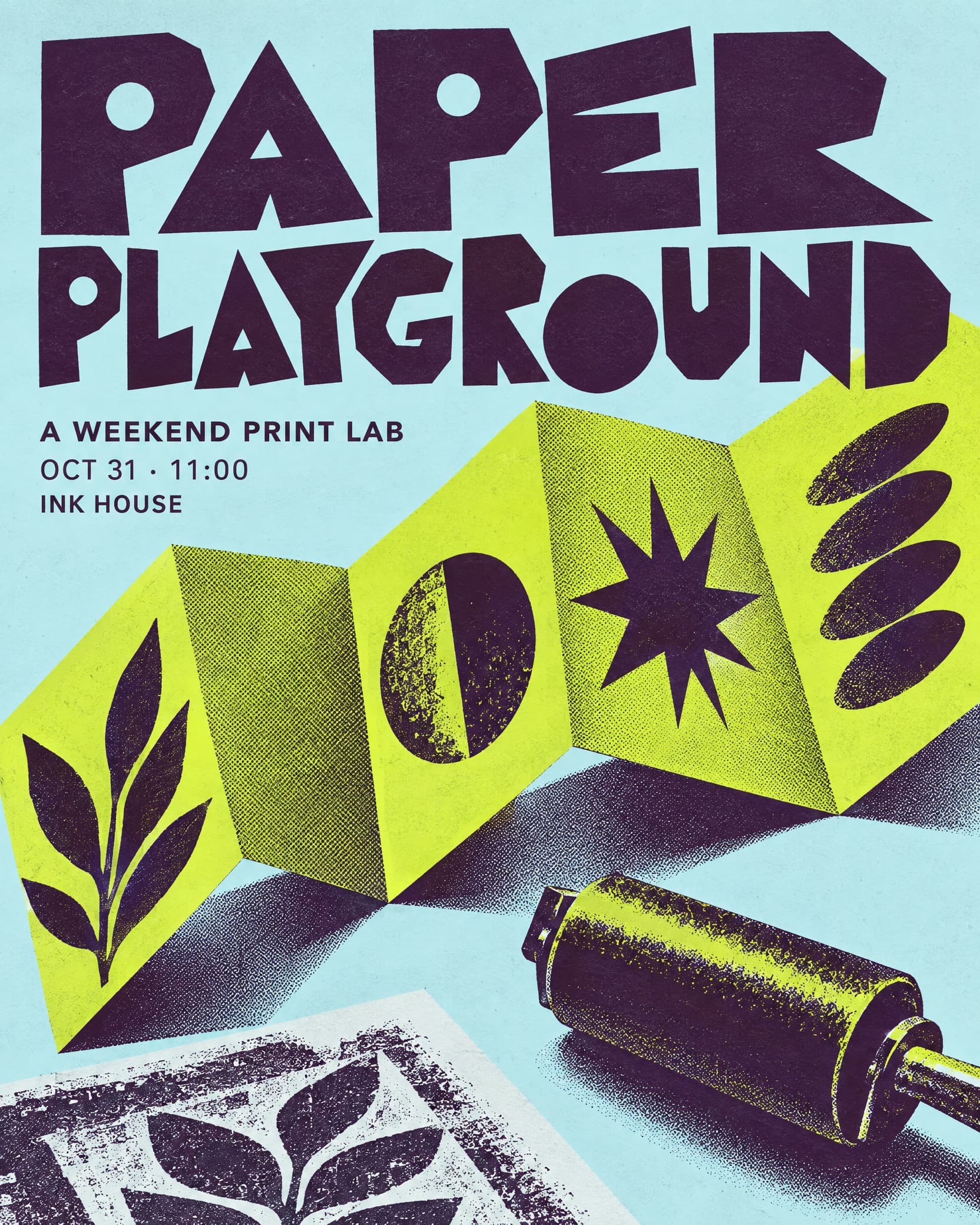
Printmaking workshop
A single folded paper structure and playful stencil lettering carry a crisp two-ink workshop announcement.
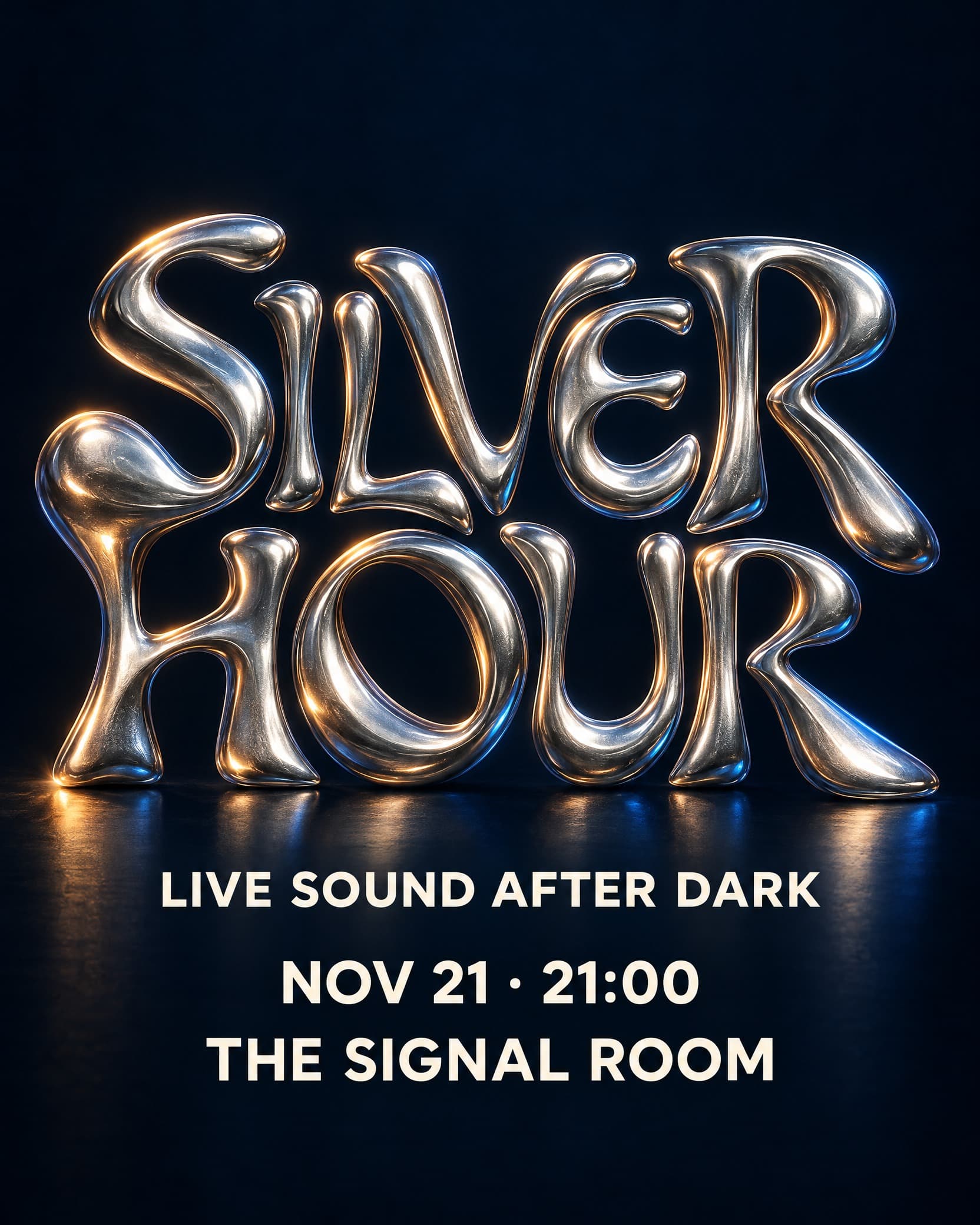
Nighttime music event
Broad liquid-metal letterforms become the central sculpture, with calm ivory supporting information.
WHEN THE WORDS NEED MORE CONTROL
Choose the layout workflow to set your text, font, size, and placement before generating artwork. Keep essential details editable from the start, so a new date doesn’t mean starting over.
Try an editable layoutAI lettering stays part of the artwork. Only text marked Keep this text editable can be changed over compatible saved images.
Interactive preview. Create and save your own version in the workspace.
A FEW GOOD QUESTIONS
Freelance designers, small marketing teams, and people with something to put out into the world. Create product announcements, social graphics, workshop invitations, and event posters with a look of their own.
Start with an image to generate from a prompt, style, and format. Start with a layout when you want to arrange the words, fonts, and placement before AI creates the artwork. Both workflows save your work in a project.
In the image workflow, you can split a result into image layers and adjust those pieces. The lettering is still part of the image. In the layout workflow, text blocks marked Keep this text editable before generation can be updated over compatible saved artwork.
Yes. The gallery shows actual NoteAI generations. Image starters include the prompt, style, and format; layout examples include their original text composition. A new generation will produce a different result, so check the wording before sharing.
Your projects keep the prompt or layout and saved looks. In a layout project, More project tools includes Use for another event to copy the layout and style with new details. Review the composition and generate fresh artwork for the next announcement.
Yes. Open the result you want and download it at its native resolution. Review small text, dates, and prices at full size first. Download favorites for permanent storage; the latest 48 generated looks remain available in your project.
SOMETHING GOOD TO PUT OUT THERE?
Cookies help us improve NoteAI. Accept to allow analytics and advertising cookies (Google, Meta), or decline to keep them off. Privacy